
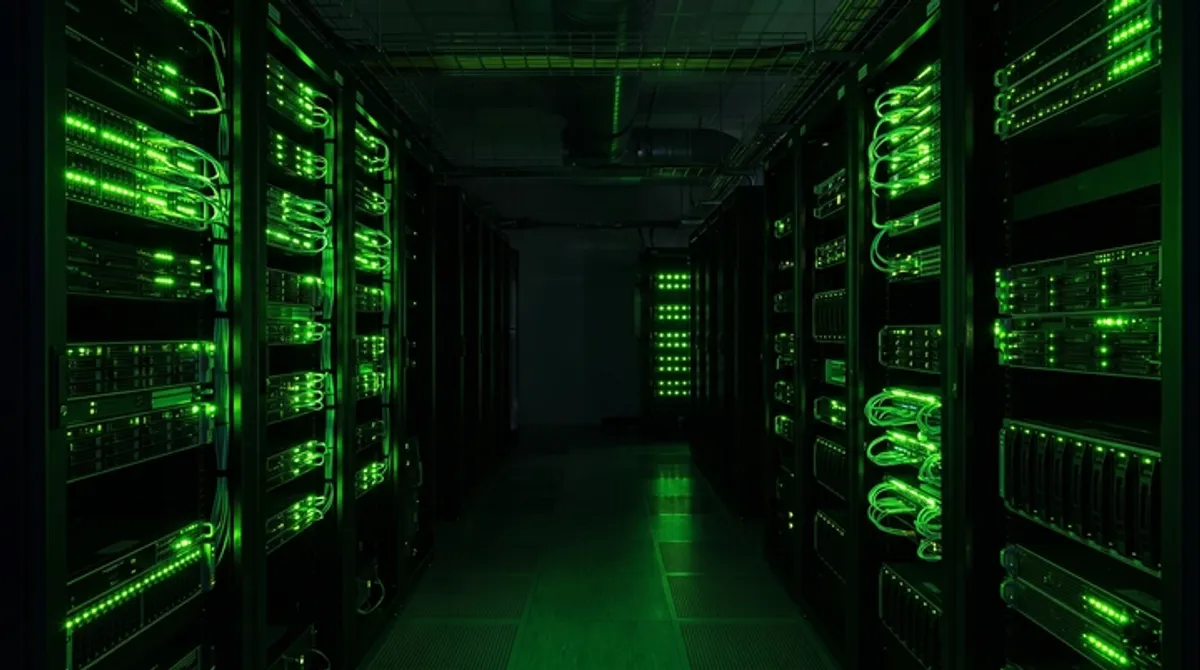
دليل VPS للفوركس
شغّل تداولك الآلي على مدار الساعة بواسطة VPS للفوركس. تعرّف على ما هو VPS، وأهميته لأنظمة مثل Signova، وكيفية اختيار الخيار المناسب، وإعداده خطوة بخطوة.

لماذا يحتاج التداول الآلي إلى VPS؟
تعمل أنظمة التداول الآلي على مدار الساعة. يعمل سوق الفوركس 24 ساعة في اليوم، خمسة أيام في الأسبوع، وتحتاج استراتيجيتك إلى الاتصال بالإنترنت طوال الوقت لفتح الصفقات وإدارتها وإغلاقها في اللحظة التي تحددها قواعدها. إشارة واحدة فائتة، بسبب دخول الكمبيوتر المحمول في وضع السكون، أو انقطاع الإنترنت، أو قرار Windows بتثبيت تحديث، قد تعني فرصة دخول ضائعة أو، ما هو أسوأ، صفقة متروكة دون إدارة.
تشغيل نظام التداول على جهاز الكمبيوتر الشخصي مناسب للاختبار، لكنه نادراً ما يكون عملياً على مدار الساعة. ستضطر إلى إبقاء جهازك يعمل ليلاً ونهاراً، والحفاظ على اتصاله بالإنترنت، وعدم إعادة تشغيله خلال ساعات السوق. VPS (الخادم الافتراضي الخاص) يُزيل كل هذه العقبات.
ما هو VPS للفوركس؟
VPS هو جهاز كمبيوتر يعمل في مركز بيانات احترافي ويعمل على مدار الساعة نيابةً عنك. بدلاً من الجلوس على مكتبك، يعمل على أجهزة موثوقة مزودة بطاقة احتياطية، واتصالات إنترنت متكررة، وتحكم في المناخ. تستأجره شهرياً وتتصل به عن بُعد، عادةً من خلال نافذة سطح المكتب البعيد البسيطة، فترى سطحه وتتحكم فيه تماماً كجهازك الشخصي.
من الناحية العملية، تثبّت منصة التداول (MetaTrader 4 أو 5) أو تطبيقاً مستقلاً مثل Signova مباشرةً على VPS. ومن ذلك الحين، يتولى VPS العمل. يمكنك إغلاق الكمبيوتر المحمول، والسفر، أو حتى إيقاف تشغيل جهازك تماماً، وستستمر صفقاتك في العمل.
فوائد VPS
- تشغيل على مدار الساعة. مراكز البيانات مصممة للتشغيل المستمر، مع مولدات احتياطية واتصالات متكررة. يظل نظامك متصلاً حتى عند انقطاع الكهرباء أو الإنترنت في المنزل.
- زمن استجابة منخفض. يرسل VPS الموجود قرب خوادم وسيطك الأوامر بشكل أسرع، مما يعني تنفيذاً أكثر دقة وموثوقية.
- جهاز الكمبيوتر يبقى حراً. بمجرد تشغيل التداول على VPS، لن يكون جهازك الشخصي مقيداً بعد الآن. أوقف تشغيله متى شئت.
- الاستقرار. لا برامج في الخلفية، ولا إغلاق عرضي، ولا وضع سكون. يؤدي VPS مهمة واحدة ويؤديها بشكل موثوق.
- الوصول من أي مكان. راقب نظامك من أي جهاز متصل بالإنترنت، بما في ذلك هاتفك.
TIP
في التداول الآلي، الاستقرار أهم بكثير من السرعة المجردة. VPS متواضع لكنه موثوق ولا ينقطع سيخدمك أفضل بكثير من VPS قوي يعاني من انقطاعات متكررة.
كيفية اختيار VPS المناسب
ليس كل VPS مصمماً للتداول. ضع هذه النقاط في الاعتبار:
- الموقع. اختر مركز بيانات قريباً من خادم التداول الخاص بوسيطك (غالباً لندن أو نيويورك أو أمستردام). كلما قصرت المسافة، انخفض زمن الاستجابة.
- ضمان وقت التشغيل. ابحث عن مزود يُعلن عن 99.9% وقت تشغيل أو أفضل، ويُفضَّل أن يكون ذلك مدعوماً باتفاقية مستوى الخدمة (SLA).
- الموارد. نسخة MetaTrader واحدة خفيفة، لكن كل منصة أو رسم بياني إضافي يُضيف عبئاً. لمنصة أو منصتين، تكفي عادةً 2 جيجابايت من الذاكرة العشوائية ونواتا معالج. أضف المزيد إذا كنت تخطط لتشغيل حسابات عدة.
- دعم Windows. تعمل معظم منصات التداول على Windows، لذا تأكد من أن VPS يوفر خيار Windows Server.
- الدعم الفني. الدعم الفوري على مدار الساعة ذو قيمة كبيرة عندما يحدث خطأ خارج منطقتك الزمنية.
خادم Forex VPS الذي نوصي به: ForexVPS
لقد اختبرنا العديد من المزوّدين، والخيار الذي نوصي به للتداول الآلي هو ForexVPS. فهو مصمّم خصيصًا للمتداولين ويستوفي جميع المعايير المذكورة أعلاه:
- بجوار كبار الوسطاء مباشرةً: مراكز بيانات في لندن ونيويورك وأمستردام تُبقي زمن الاستجابة عند أدنى حد ممكن.
- نسبة تشغيل 99.9% مع مراقبة على مدار الساعة، بحيث يقلّ كثيراً احتمال أن يفوّت نظامك أي دخول أو خروج.
- محسّن لـ MetaTrader وجاهز على Windows Server، لتبدأ التداول في غضون دقائق.
- دعم يركّز على المتداول على مدار الساعة، من أشخاص يفهمون التداول الآلي حقًّا.
خطوة بخطوة: إعداد VPS
- اختر مزوداً وخطة. حدد VPS بنظام Windows مع مركز بيانات قريب من وسيطك وموارد كافية لمنصاتك.
- استلم بيانات تسجيل الدخول. بعد الطلب، يرسل لك المزود عنوان IP واسم مستخدم وكلمة مرور للخادم.
- الاتصال عبر سطح المكتب البعيد. على Windows، افتح Remote Desktop Connection، أدخل عنوان IP، وسجّل الدخول ببياناتك. على Mac، استخدم تطبيق Microsoft Remote Desktop المجاني. ستظهر لك سطح مكتب VPS في نافذة.
- ثبّت برنامج التداول. نزّل وثبّت MetaTrader 4 أو 5، أو تطبيقاً مستقلاً مثل Signova، مباشرةً على VPS، تماماً كما تفعل على جهازك الشخصي.
- سجّل الدخول وابدأ التداول. أدخل بيانات حساب وسيطك، وفعّل نظامك، وتأكد من أنه يعمل.
- افصل الاتصال، لا توقف التشغيل. ما عليك إلا إغلاق نافذة سطح المكتب البعيد. يستمر VPS في العمل في مركز البيانات، وبذلك يستمر تداولك على مدار الساعة. أعد الاتصال في أي وقت للمتابعة.
CAUTION
إغلاق نافذة سطح المكتب البعيد يُبقي VPS يعمل، وهذا هو بالضبط ما تريده. لا توقف تشغيل الخادم أو تسجّل الخروج منه، فذلك سيوقف منصة التداول لديك.
الحفاظ على تشغيل VPS بسلاسة
- جدوِل إعادة التشغيل خارج ساعات السوق. إذا احتجت في أي وقت إلى إعادة التشغيل، افعل ذلك في عطلة نهاية الأسبوع عندما تكون الأسواق مغلقة.
- أبقه خفيفاً. ثبّت فقط ما تحتاجه للتداول. قلة البرامج تعني قلة المفاجآت.
- استخدم كلمة مرور قوية وحافظ على تحديث الخادم للبقاء آمناً.
- تفقّده بصفة دورية. تسجيل دخول بعيد سريع بين الحين والآخر يُؤكد أن كل شيء يعمل بصحة جيدة.
أدوات مثل Signova تجعل هذا أسهل: تُحدّث نفسها تلقائياً وهي مصممة للتشغيل الثابت دون إشراف على مدار الساعة، لذا بمجرد إعداد VPS لا يتبقى لك سوى القليل جداً للقيام به.
الخلاصة
VPS هو أبسط طريقة لمنح تداولك الآلي المسكن الدائم الذي يحتاجه. مع VPS موثوق بنظام Windows قريب من وسيطك، تحصل على وقت تشغيل مستمر، وتنفيذ سريع، وحرية إيقاف تشغيل جهازك دون مقاطعة أي صفقة.
بمجرد أن تُجهّز وسيطك وVPS، أنت مستعد للسماح لنظامك بالتداول نيابةً عنك. إذا كنت لا تزال تختار وسيطاً، فإن مقارنة الوسطاء لدينا خطوة جيدة تالية.
هل أنت مستعد لمنح نظامك المقرّ الدائم الذي يستحقه؟ قم بإعداده على ForexVPS، خادم التداول الذي نوصي به، ودعه يتداول على مدار الساعة.